PyStudio
A downloadable tool
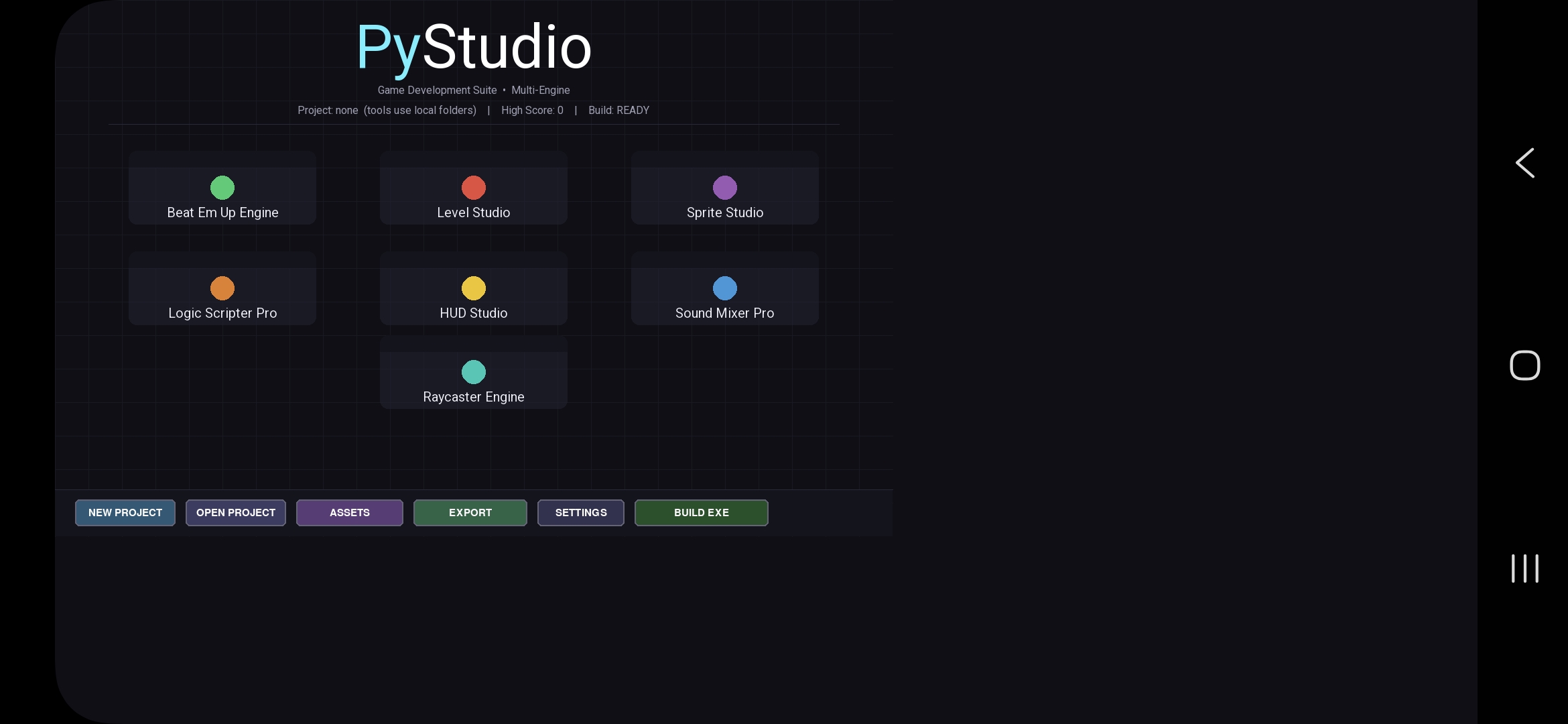
PyStudio – Multi-Engine Game Content Suite
A complete indie toolkit for building 2.5D beat-'em-ups and raycaster games — all in pure Python + Pygame.
Create levels, sprites, HUDs, logic scripts, and sound effects in one suite, organize them in projects, then run them in either engine from a single launcher.
━━━━━━━━━━━━━━━━━━━━━━━━━━━━━━━━━━━━━━━━
QUICK START
1. Download the full suite ZIP and extract into one folder
2. Install Pygame: pip install pygame
3. Run: python "Master Launcher.py"
(or: python "PyStudio Launcher.py" if that is your filename)
4. Optional: New Project → name it → tools will save into Projects/<name>/
5. Click any Studio or Engine from the launcher
Phone / Pydroid 3: put all .py files in the same folder, install pygame, run the Master Launcher.
━━━━━━━━━━━━━━━━━━━━━━━━━━━━━━━━━━━━━━━━
INCLUDED TOOLS
PyStudio
🎨 Sprite Studio
🗺️ Level/Map Studio
🧠 Logic Scripter
🎵 Sound Mixer
🖥️ HUD Studio
🎮 2D/Beat-'Em-Up engine
🔫 Raycasting engine
📦 Project manager
🚀 Build/export system
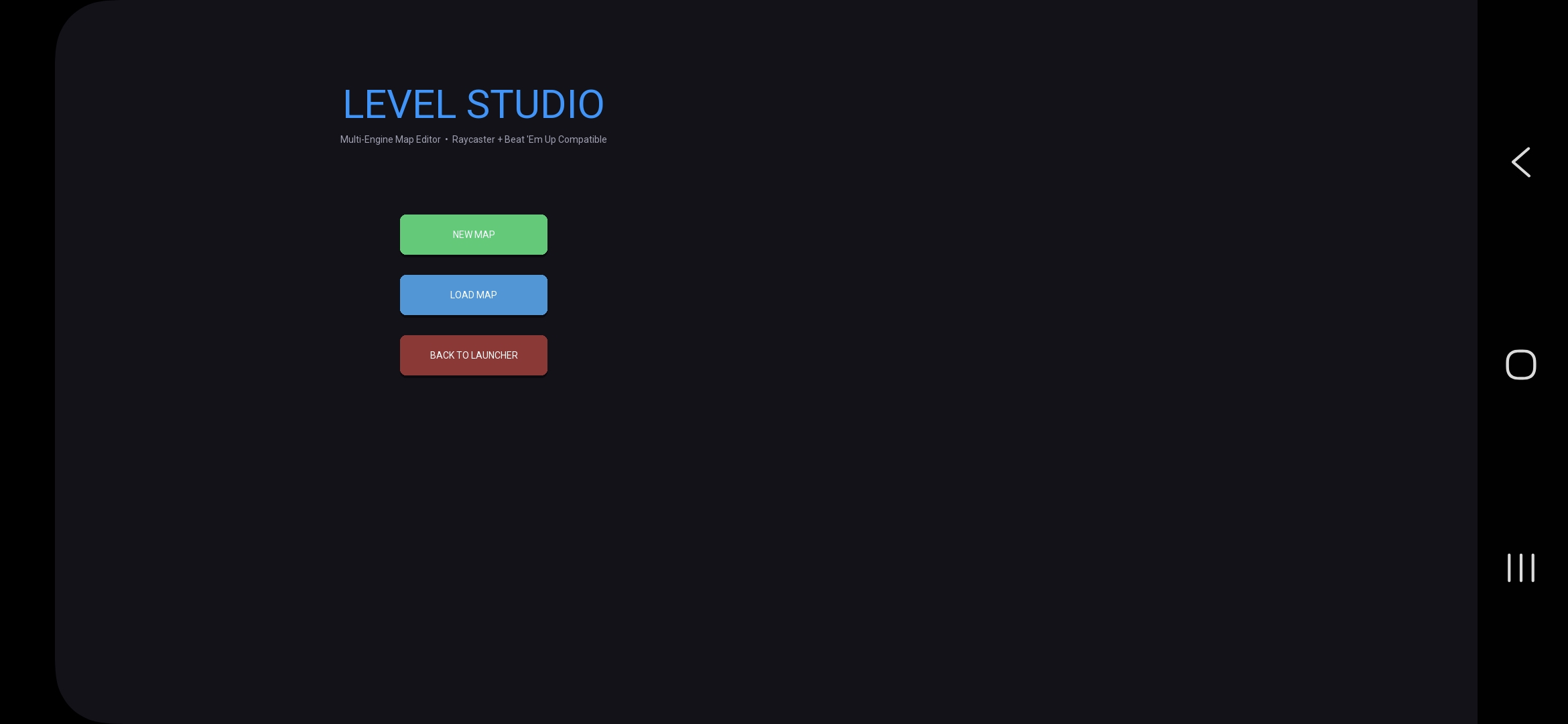
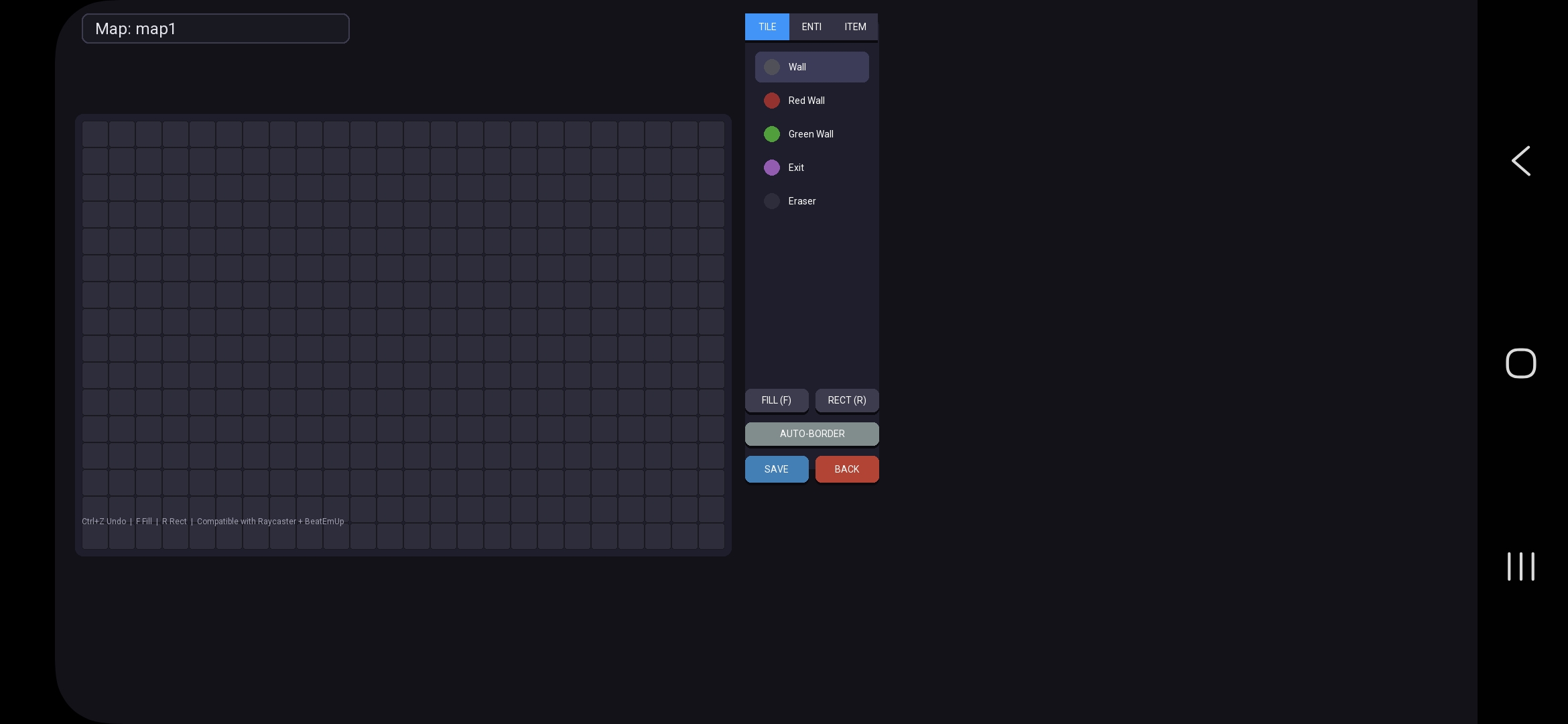
• Level Studio – grid map editor (walls, spawns, items, shops, fill/rect, undo, validate)
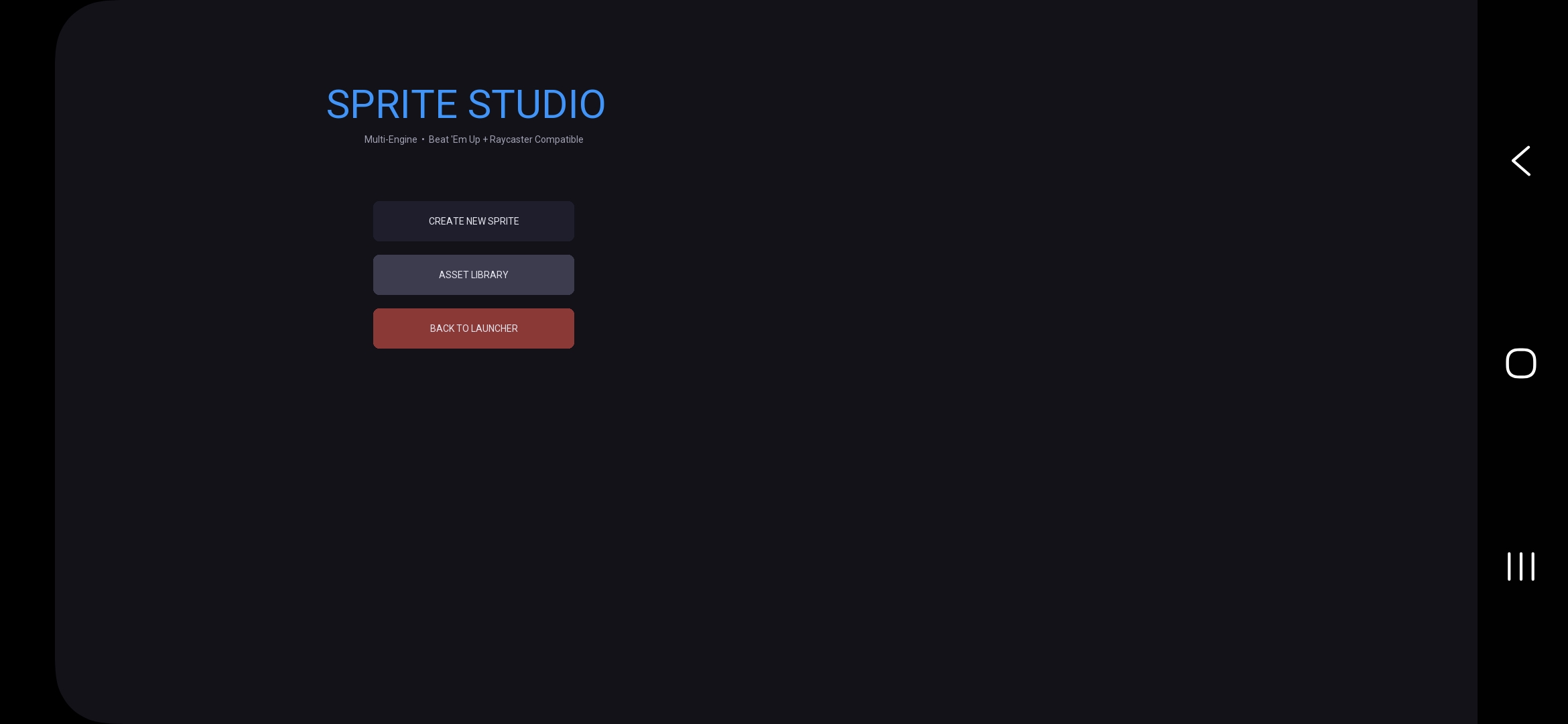
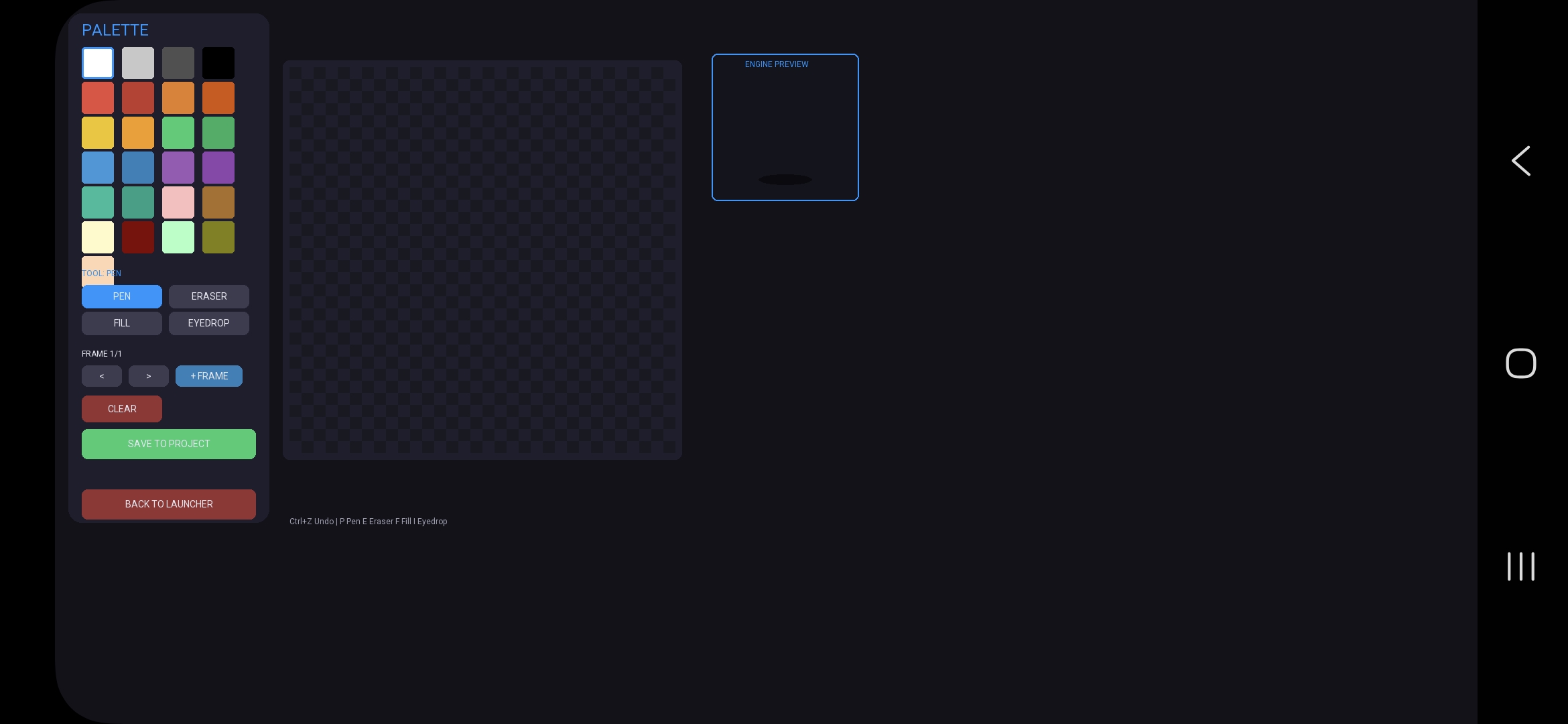
• Sprite Studio – 32×32 pixel editor with frames, fill, eyedropper, live engine preview
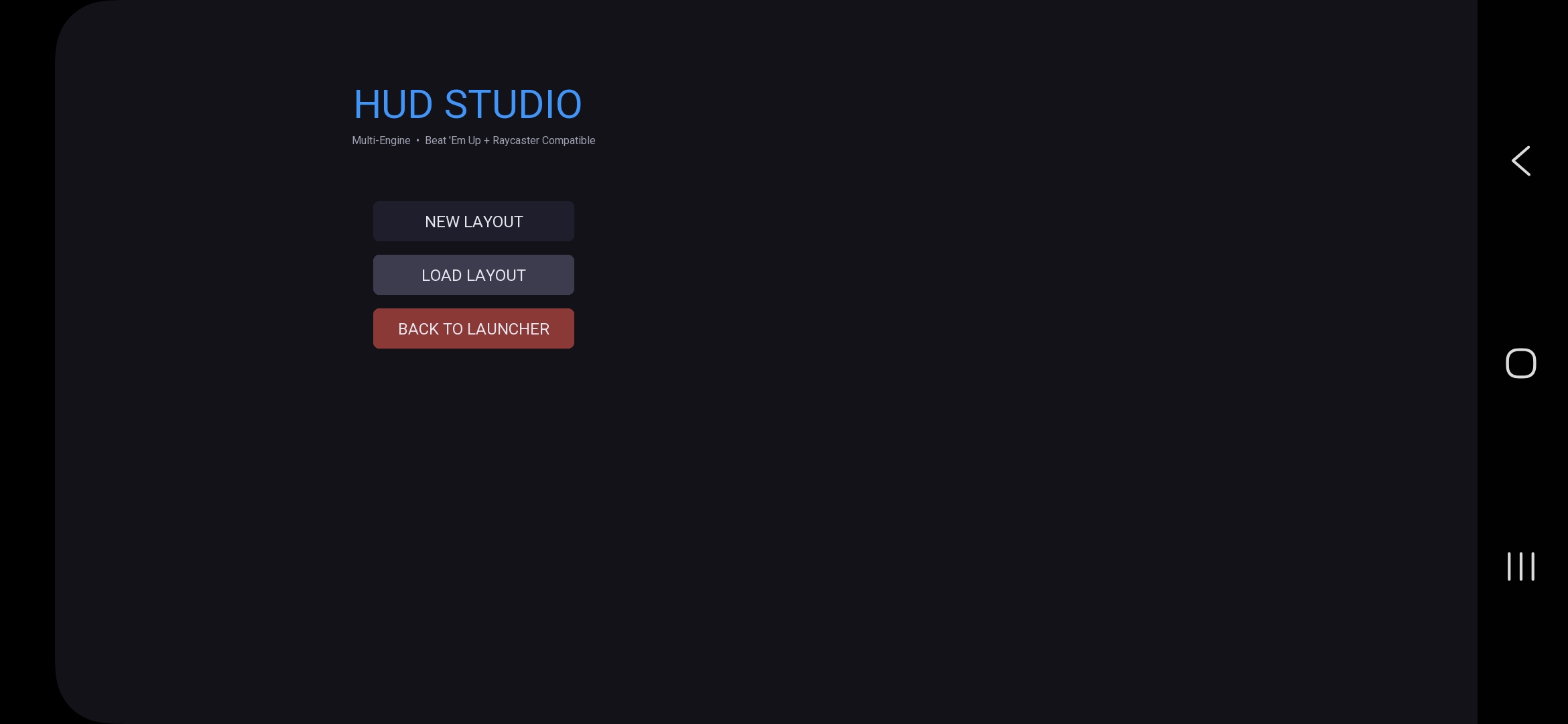
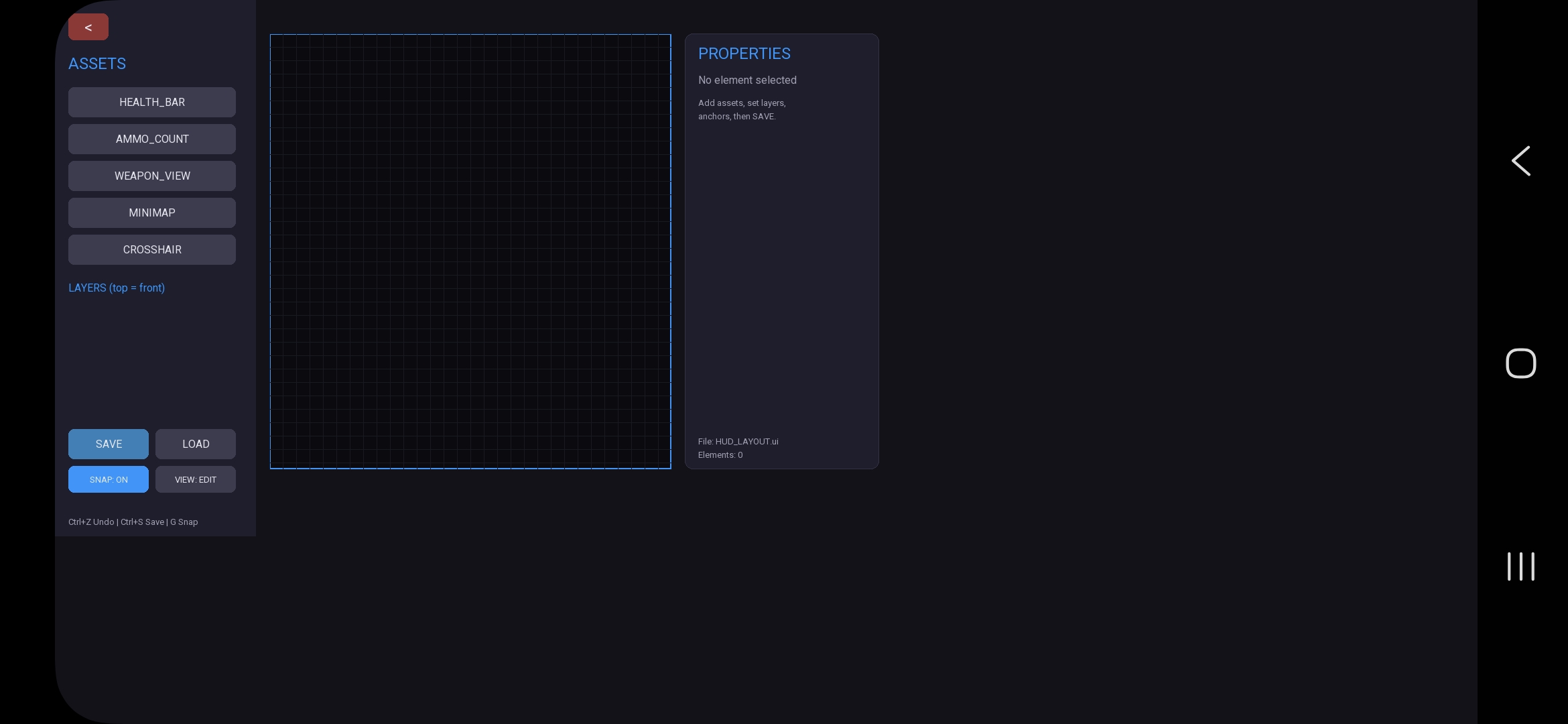
• HUD Studio – drag/resize layout designer with anchors, RGB, copy/paste, game preview
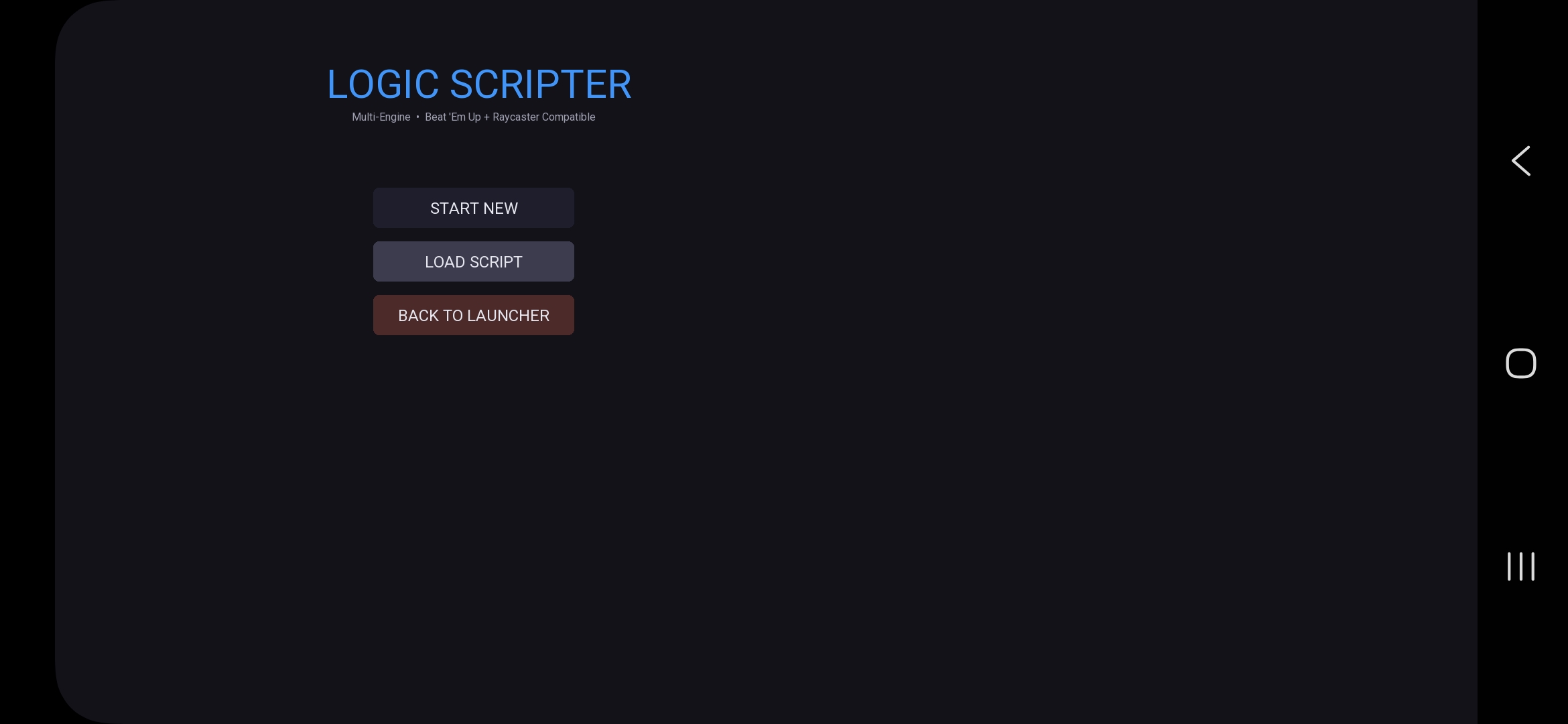
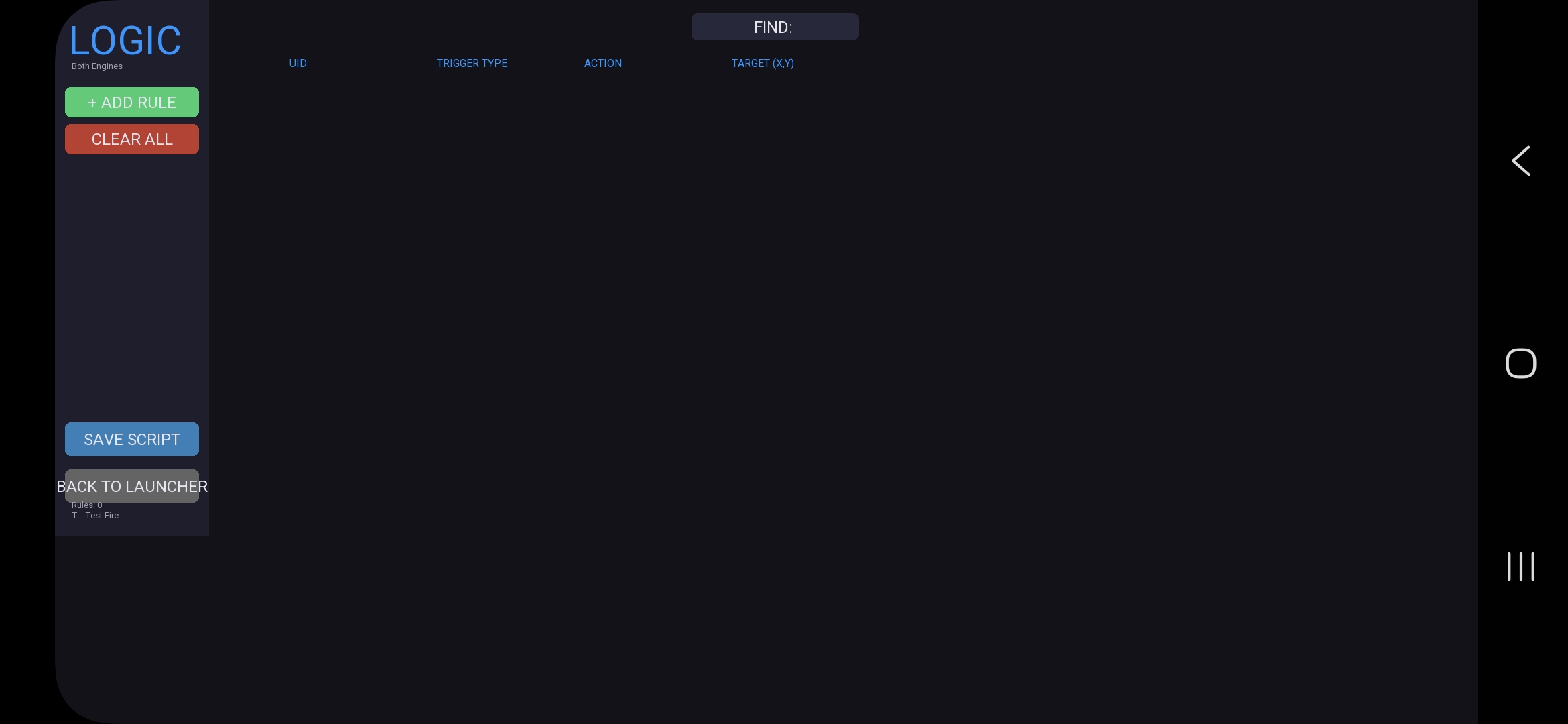
• Logic Scripter Pro – trigger → action rules (.logi) for both engines
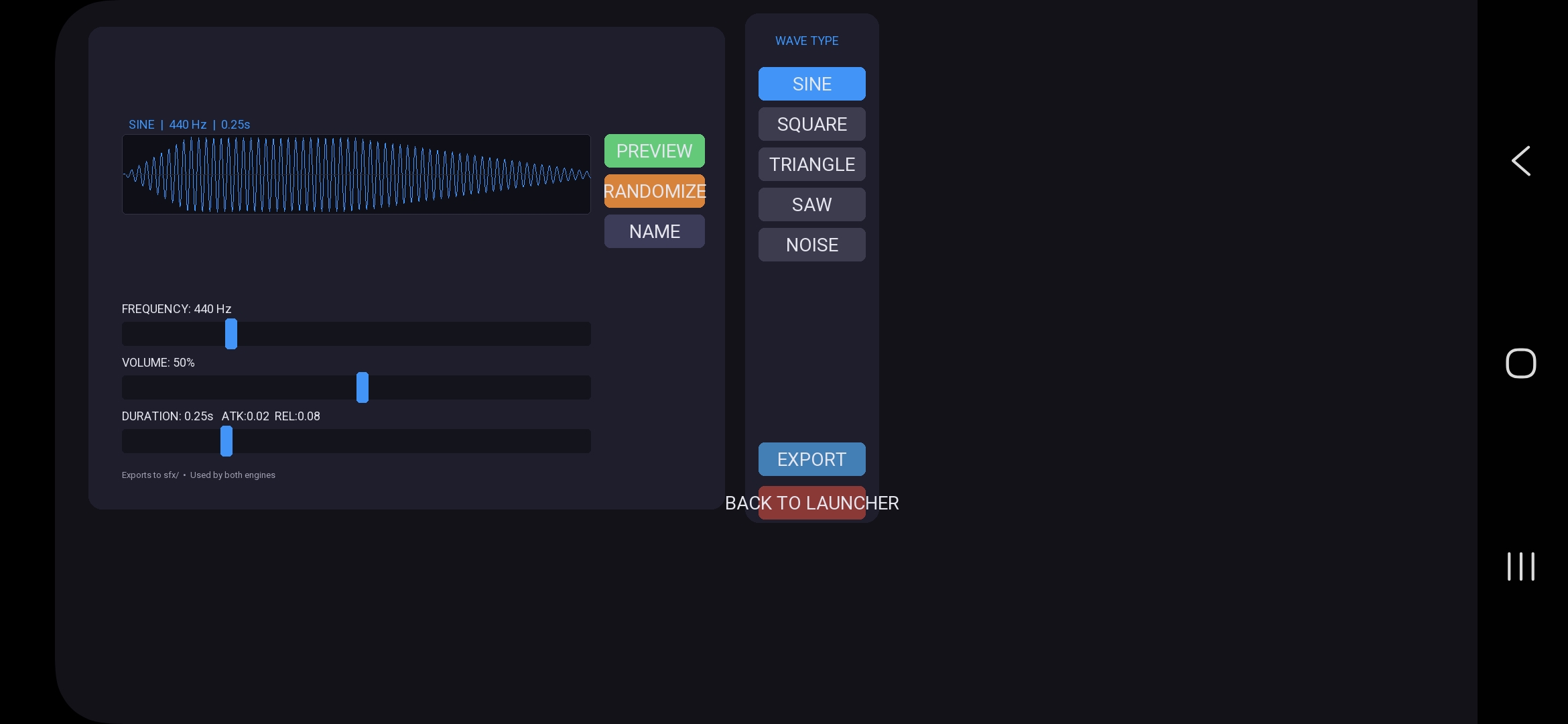
• Sound Mixer Pro – waveform synth (SINE / SQUARE / TRIANGLE / SAW / NOISE) with ADSR + named WAV export
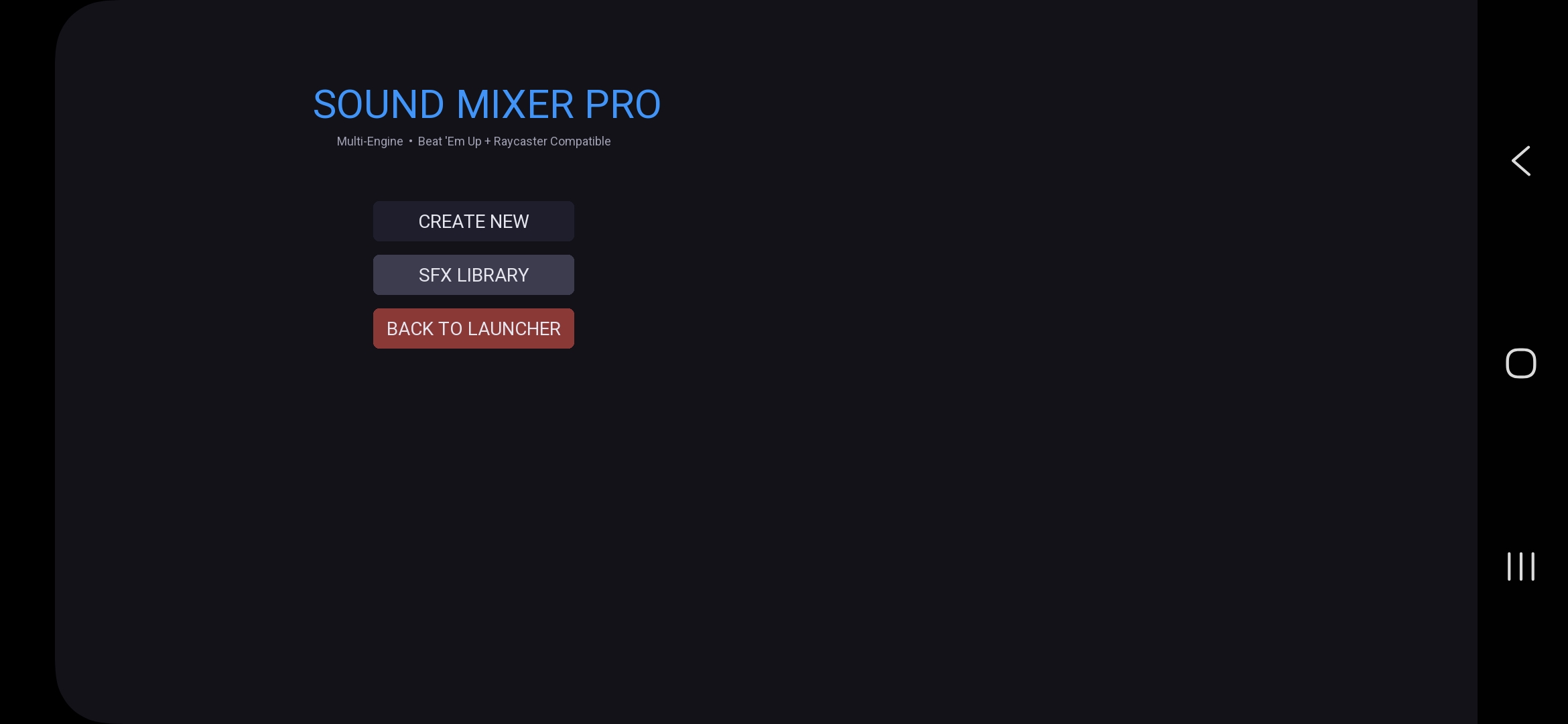
• Master Launcher – project hub, asset browser, export zip, settings, optional EXE build
━━━━━━━━━━━━━━━━━━━━━━━━━━━━━━━━━━━━━━━━
PROJECT SYSTEM
• New / Open Project – creates Projects/<name>/maps|sprites|hud|scripts|sfx
• Tools prefer the active project folder (local folders still work as fallback)
• Asset Browser – browse maps, sprites, HUD, scripts, and SFX from the launcher
• Export Project – one-click zip of the active project for backup or sharing
━━━━━━━━━━━━━━━━━━━━━━━━━━━━━━━━━━━━━━━━
ENGINES
• Beat 'Em Up Engine – depth-sorted 2.5D combat, combos, scoring, script hooks
• Raycaster Engine – classic FPS-style view, shop, weapons, split-screen / P2P support
All tools share the same dark UI theme, “Back to Launcher” flow, and multi-engine asset formats
(.txt maps, .ui, .spt/.png, .logi, .wav).
━━━━━━━━━━━━━━━━━━━━━━━━━━━━━━━━━━━━━━━━
Made for rapid prototyping and learning game-tool pipelines.
No external asset packs required — procedural fallbacks keep everything runnable out of the box.
Built on phone-friendly workflows (touch keyboards, large controls) and pure Python so you can learn by shipping.
Download
Install instructions
REQUIREMENTS
• Python 3.8 or newer
• Pygame (pip install pygame)
PC / LAPTOP
1. Download the ZIP and extract it into one folder
2. Open a terminal / command prompt in that folder
3. Install Pygame: pip install pygame
4. Run the launcher:
python "Master Launcher.py"
5. Optional: click NEW PROJECT, name it, then use the Studios — they save into Projects/<name>/
PHONE (Pydroid 3)
1. Extract the ZIP into one folder (all .py files together)
2. In Pydroid 3, install pygame from Pip
3. Open Master Launcher.py and Run
4. Use the on-screen buttons and virtual keyboards
NOTES
• Keep all 8 files in the same folder
• No extra asset packs needed — tools work out of the box
• Export Project (launcher) makes a zip of your active project for backup
• Engines load maps (.txt), sprites (.spt/.png), HUD (.ui), logic (.logi), and SFX (.wav)
Development log
- Working on the engines🤘🏽2 hours ago
Leave a comment
Log in with itch.io to leave a comment.